










Learn about your first trading steps with iFOREX



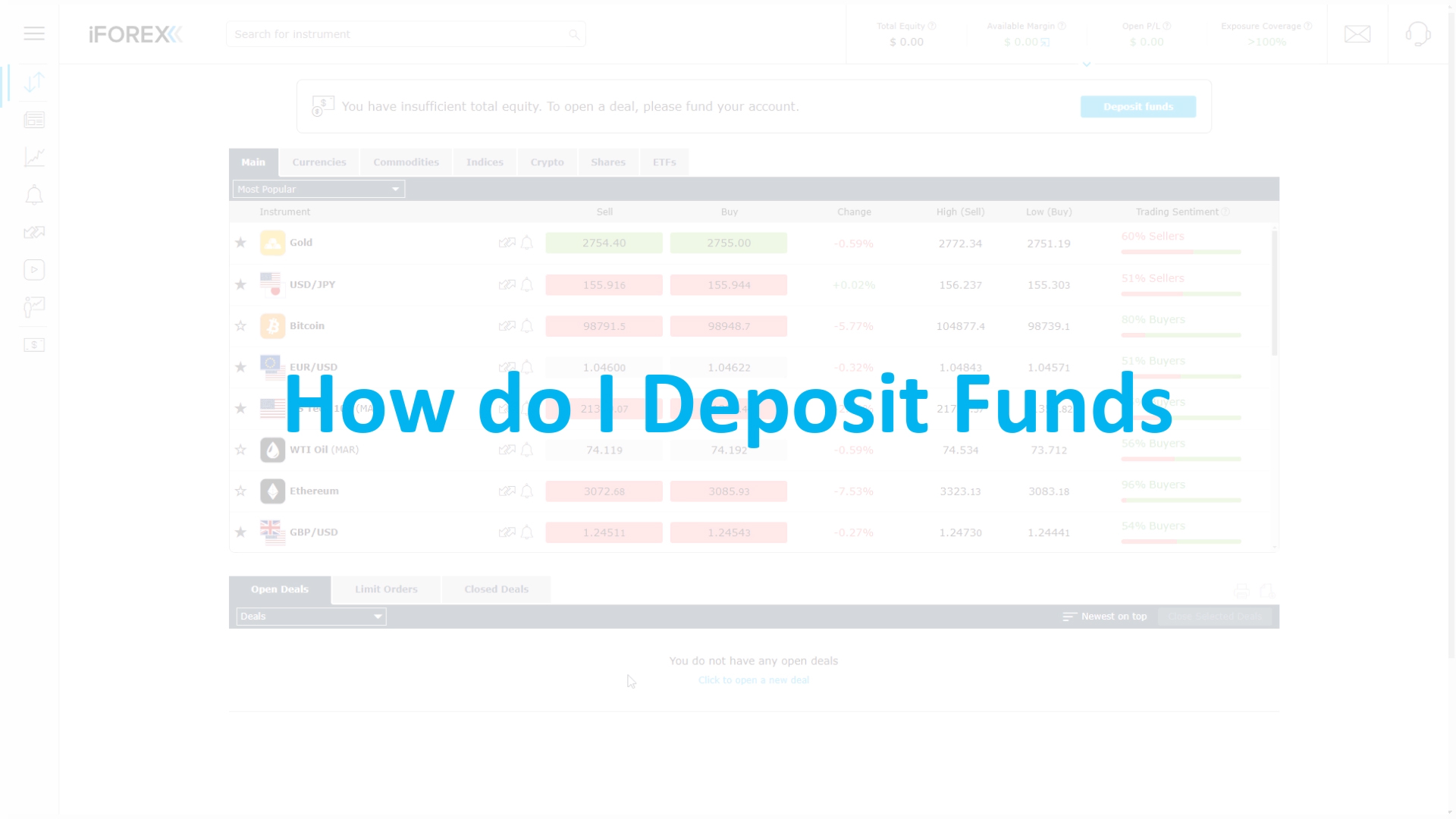
Getting started begins with funding your account. In this video, you’ll see how to make a deposit step by step, explore the available payment methods, and understand what to expect along the way. It’s a straightforward process designed to help you get set up and ready to trade.
Opening a deal is where your market view turns into action. This video walks you through selecting an instrument, setting your trade size, and using key tools to define your approach. You’ll see how to place a trade in a clear, structured way.
Knowing when and how to close a deal is an important part of managing your trades. In this video, you’ll learn how to review your open positions, close them manually, and understand how outcomes are reflected in your account.
Withdrawing your funds is just as important as managing your trades. This video shows you how to submit a withdrawal request, what steps are involved, and how to track its progress.

Get personal guidance from a dedicated account manager.
Work through the platform, ask questions, and build your approach at your own pace.

Trade wherever you are, whenever you want.
Access markets, manage your positions, and stay updated with real-time notifications.

Practice without using real funds.
Explore the platform and test your approach with a $5,000 virtual balance before trading in live market conditions.

Build your knowledge step by step.
Access courses, videos, and guides designed to help you understand the markets and develop your trading approach.

Stay updated on what moves the markets.
Follow real-time updates, expert insights, and key events shaping global financial trends.

Access tools designed to support your decisions.
Use charts, indicators, signals, and insights to analyze markets and structure your trades with more clarity.
You are safeguarded from negative balances, ensuring you never lose more than your initial investment, even in high volatility.
Your data is protected by encryption, firewalls, and SSL protocols, helping secure every interaction on the platform.
Client funds are kept separate from company funds in reputable banks, in line with regulatory requirements.
iFOREX operates under regulatory standards, with measures in place to support transparency and client protection.

Our support team is available 24/5, ready to help with platform questions, trading tools, or anything you need along the way.
You can start by registering for an account and exploring the platform using a demo. Once you’re ready, you can make a deposit and begin trading live markets.
Depositing funds is done directly through your account. You can choose from available payment methods and follow a simple step-by-step process. The platform will guide you through everything you need.
The minimum deposit may vary depending on your region and payment method. You’ll see the exact amount when selecting your preferred deposit option.
To open a trade, select an instrument, choose your position size, and define your trade settings. Once everything is set, you can place the trade directly from the platform.
Yes. You can use a demo account with virtual funds to explore the platform and test your approach before trading with real funds.
You can close an open position at any time from your account. Simply go to your active trades, review the position, and close it based on your decision.
Once a trade is closed, the result (profit or loss) is reflected in your account balance. You can review your trading history at any time.
Withdrawals can be requested directly from your account. Submit a request, follow the required steps, and track the progress within the platform.
Processing times may vary depending on the method used and verification requirements. You’ll be able to track your request status from your account.
iFOREX applies security measures such as encrypted data transmission and segregated client funds, in line with regulatory requirements.
No. The platform includes tools, educational resources, and support to help you learn and build your approach over time.
You can access the Help Center, contact support by email, or use live chat to connect with the team in real time.





















Your IP address tells us you are visiting from an EEA member state and therefore you should go to iFOREX Europe, the trading name of iCFD Ltd., a Cyprus investment firm, which operates under EU regulations and product intervention rules.
Please choose: